

1. Submit a request
Tell us what you would like displayed and provide the key information needed for your message, celebration, event or community initiative.
For 2027 displays, requests must be submitted by October 15, 2026.
This website uses cookies to enhance usability and provide you with a more personal experience. By using this website, you agree to our use of cookies as explained in our Privacy Policy.
Checking In, Centre Wellington!
Township staff are seeking your input to better understand the community's priorities for Centre Wellington's future.
We want to understand what contributes most to your quality of life, what you value, what concerns you, and where you believe the Township should focus its efforts and investments.
The survey closes on November 8th, 2026!
View the 2026 Official Election Results here
Inclusive Community Program
Sharing community stories, celebrations and opportunities across Centre Wellington.
Community digital displays provide local groups and organizations with an opportunity to share welcoming, inclusive and community-focused messages on Township screens.
Digital displays located in Township facilities help connect residents with community events, celebrations, learning opportunities and other information that contributes to an inclusive Centre Wellington.
Tell us what you would like displayed and provide the key information needed for your message, celebration, event or community initiative.

You do not need to have final content ready when you first submit your request. Images, wording and artwork can be finalized closer to the scheduled display date.

Township staff review requests for suitability, accessibility, available space, clarity and alignment with the intent of the digital display program.
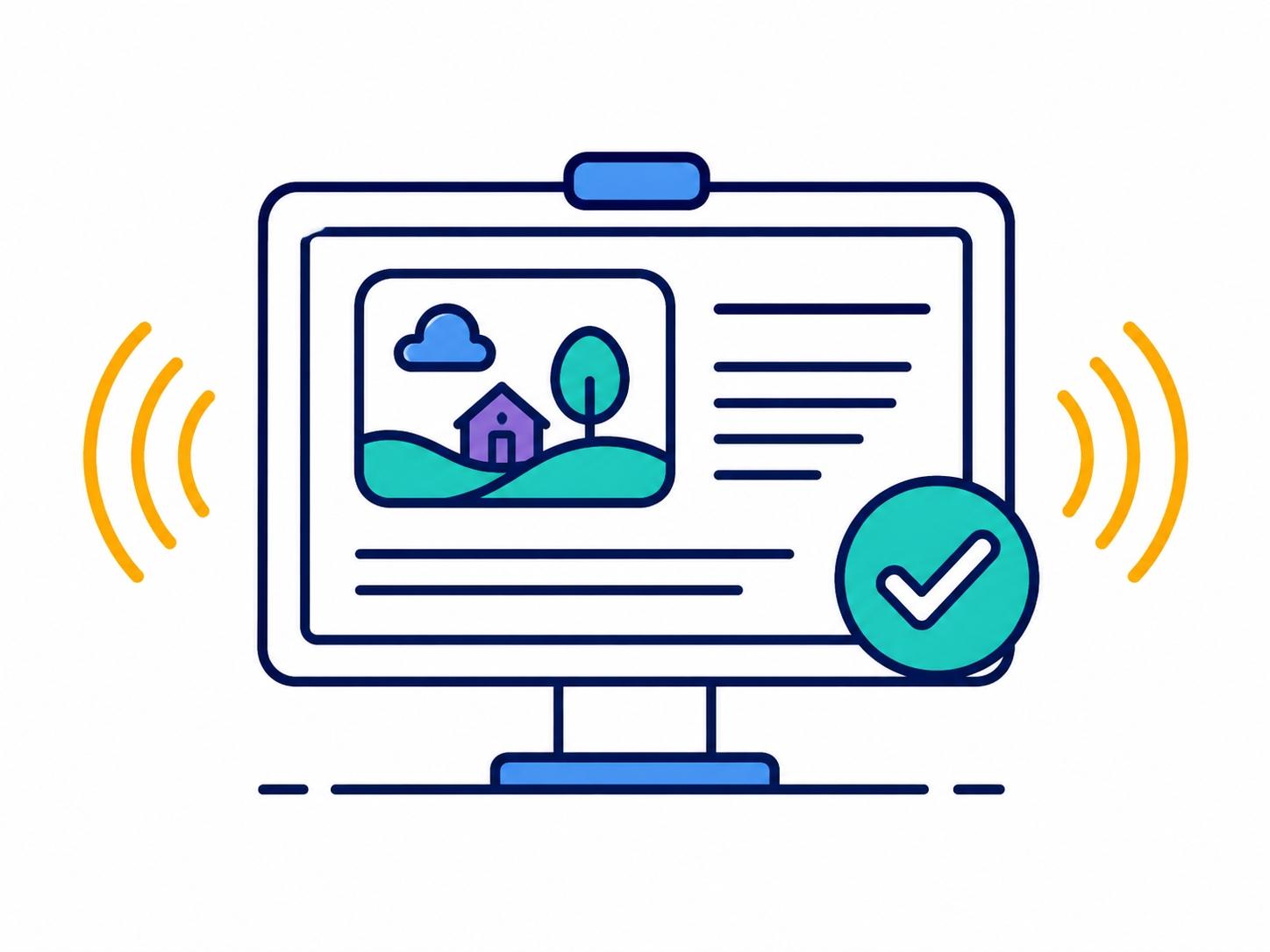
Approved content is formatted for the display system and scheduled for participating Township locations during the requested timeframe.
What can be shared?
The displays are intended for timely, welcoming and community-focused information that residents can understand quickly while visiting Township facilities.
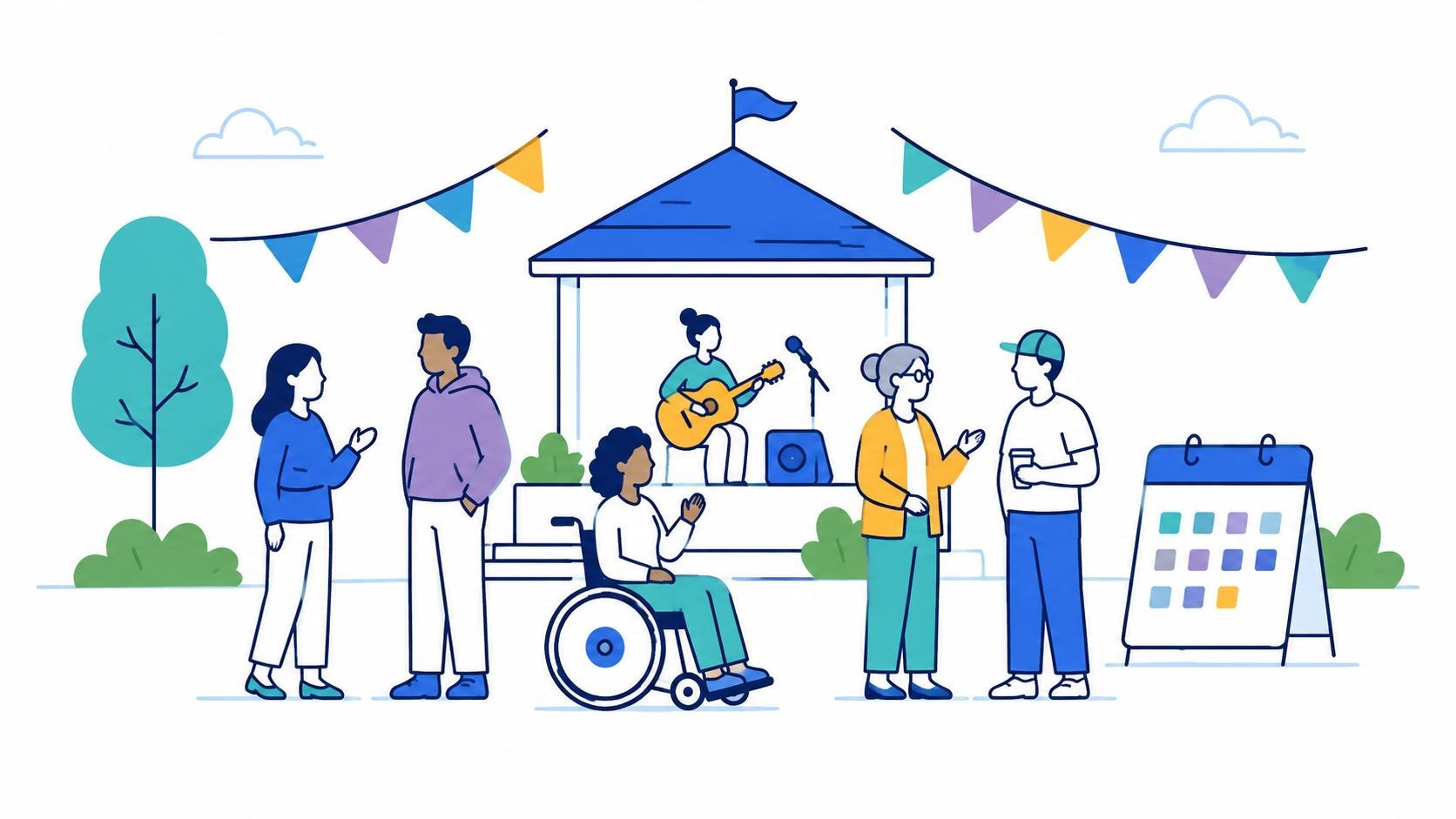
Community connection
Share information about upcoming events, workshops, celebrations, public gatherings and community activities taking place in or serving Centre Wellington.

Recognition and belonging
Highlight cultural observances, awareness dates, celebrations, heritage recognition and community milestones that contribute to belonging and inclusion.

Learning and awareness
Promote educational opportunities, public information and community resources that help residents learn more, access services or take part in local initiatives.

Clear communication
Content should be concise, appropriate for a public facility setting and designed so it can be understood quickly on screen by a broad audience.
Accessible by design
Clear messages help more people access the information being shared.Accessibility
Digital display content should be simple, legible and easy to understand within a few seconds. When submitting material, keep these accessibility principles in mind.
Focus on the essential message rather than long paragraphs.
Text should stand clearly against the background.
Avoid small type or information that depends on fine detail.
Important meaning should also be communicated through text or symbols.
Any video supplied for display should include captions.
Do not make a QR code the only way to access key event details.
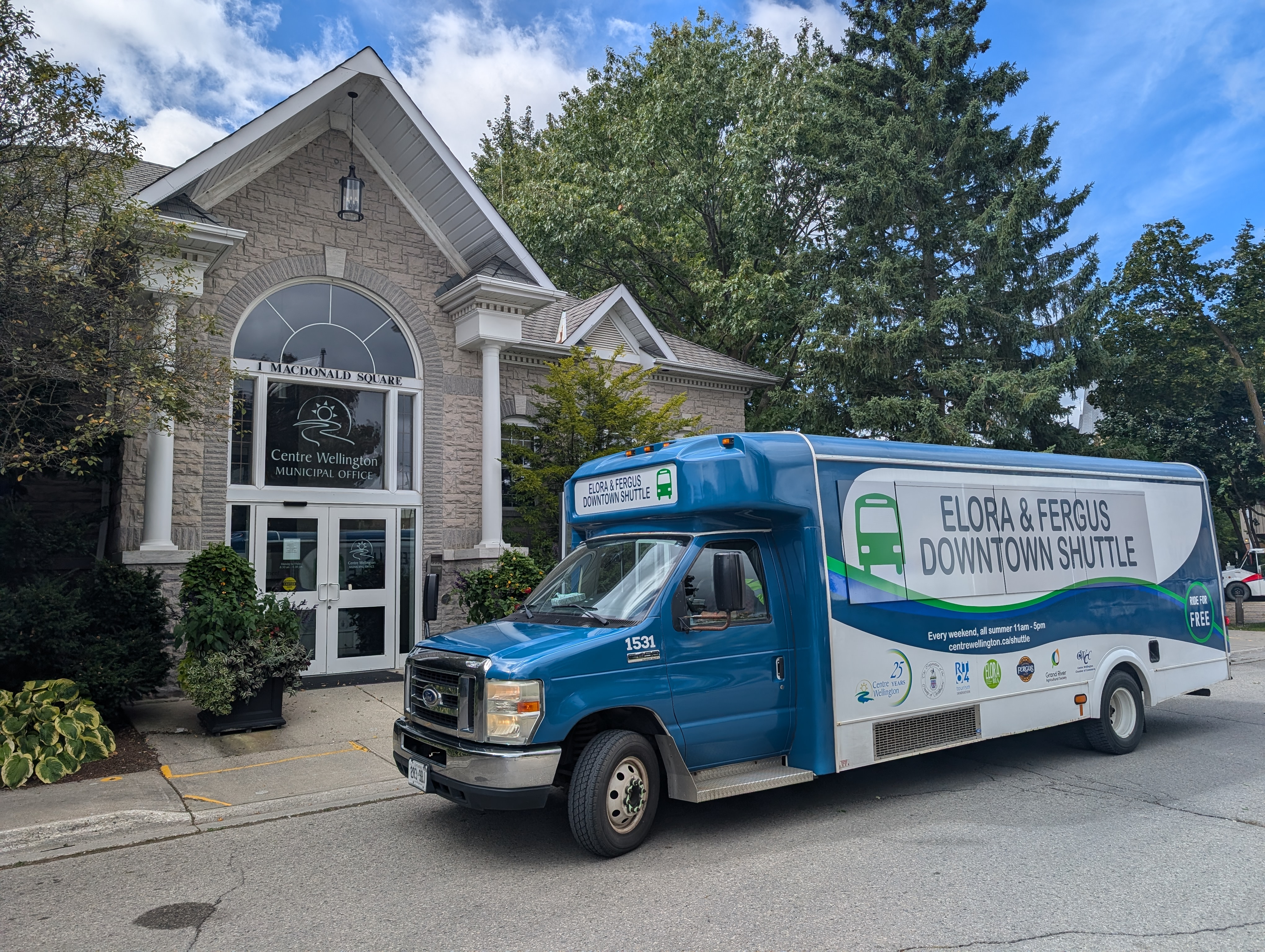
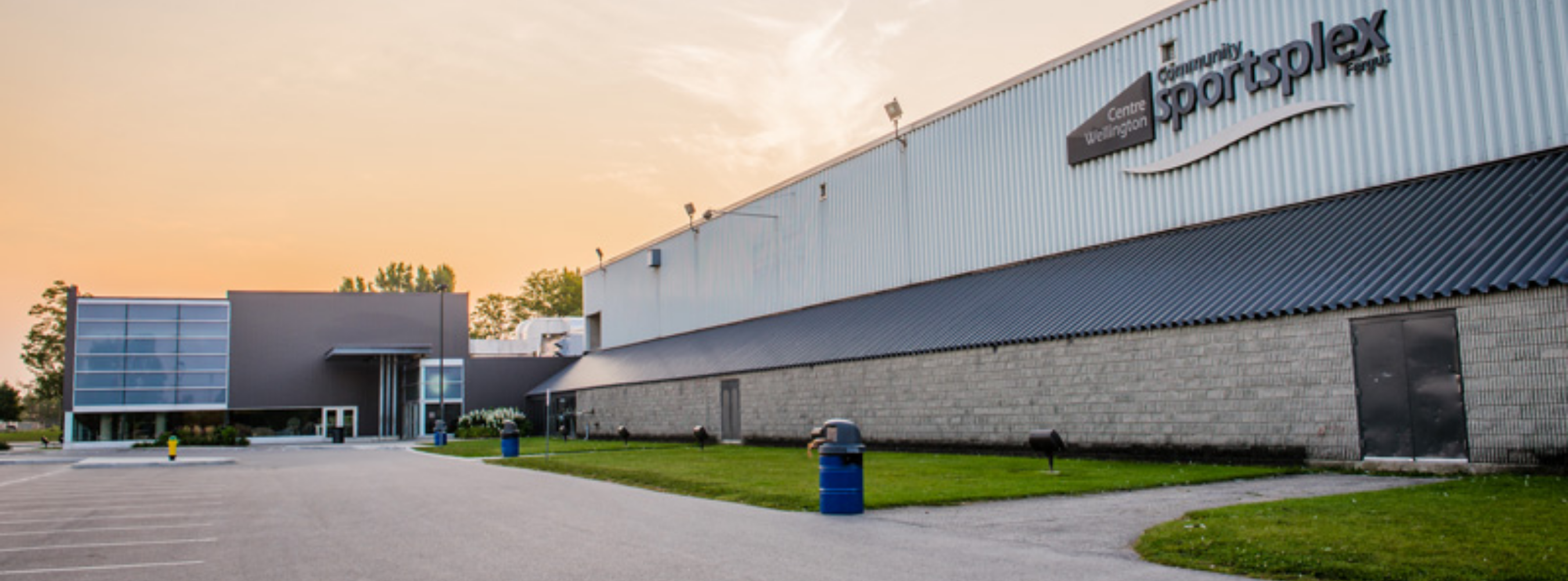
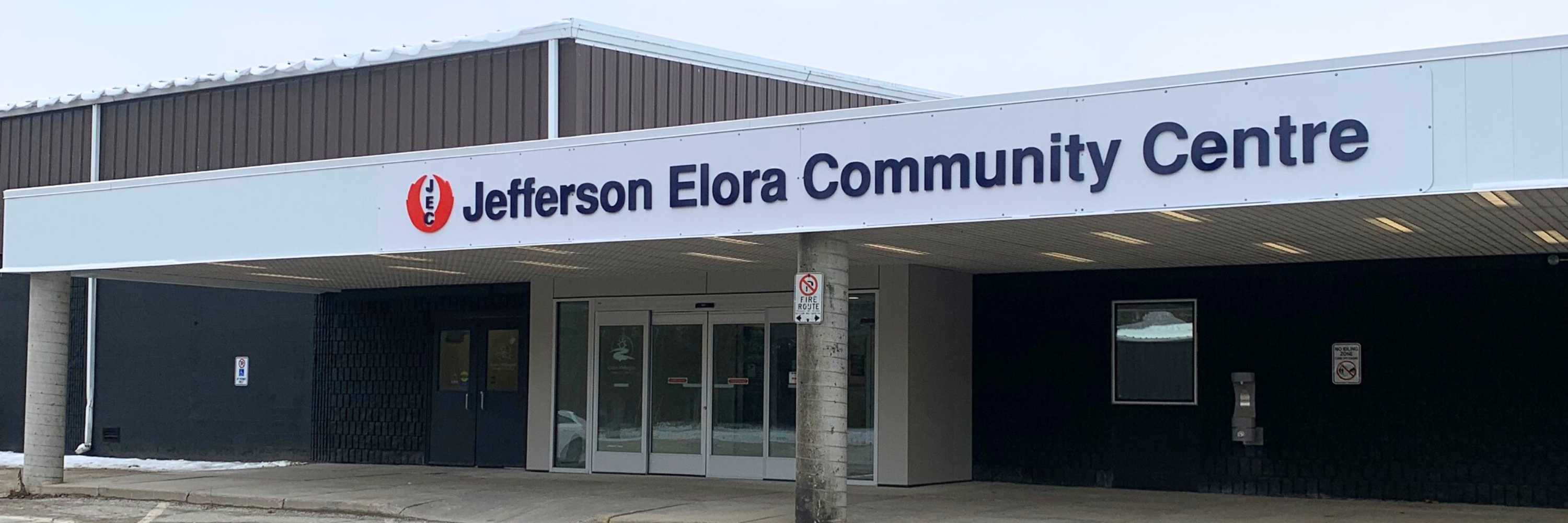
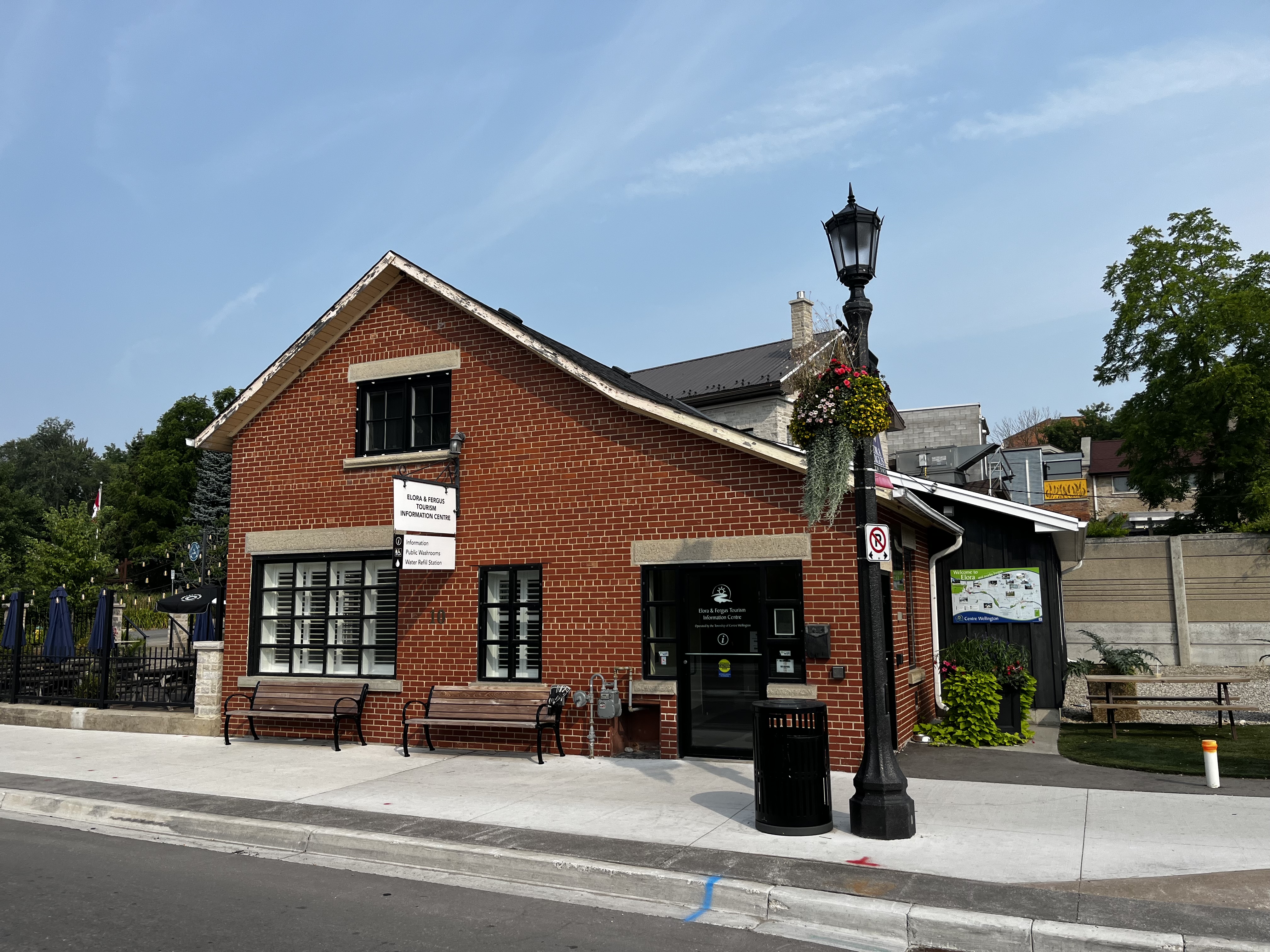
Where you'll see them
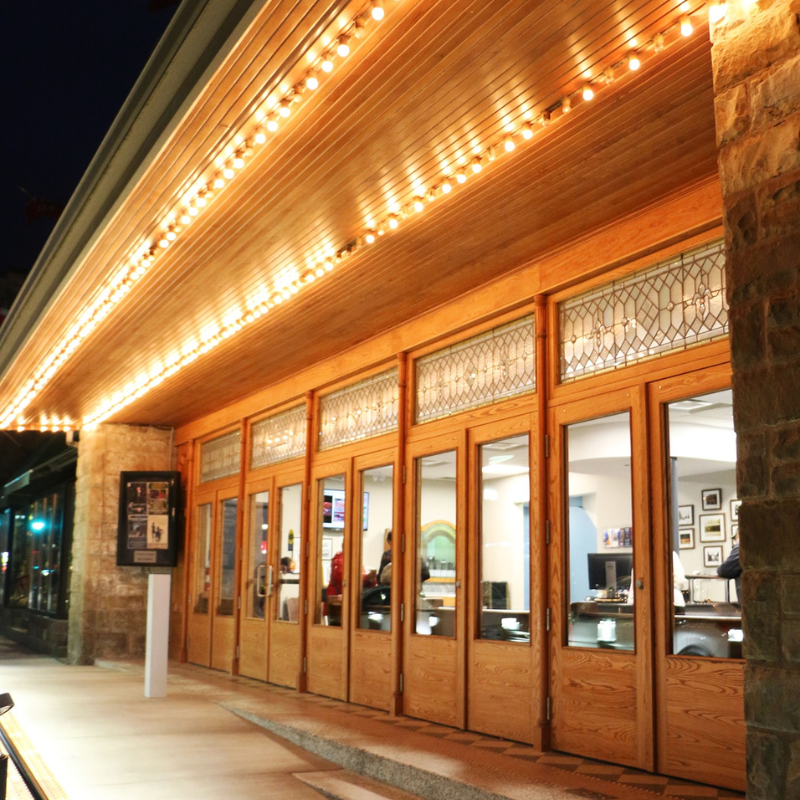
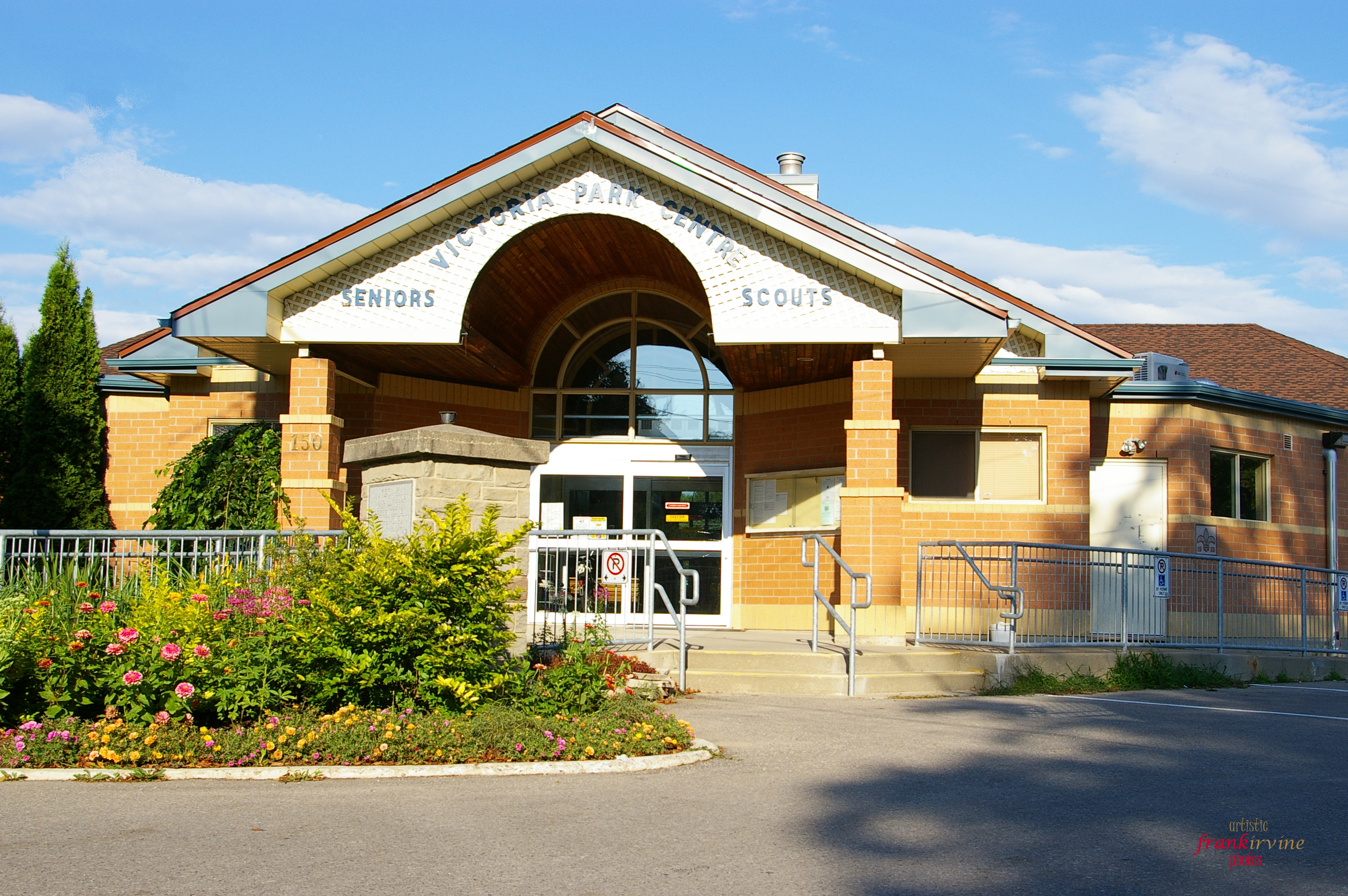
Approved community messages may appear on participating digital screens in Township facilities.
Before you submit
The best digital displays communicate one clear idea quickly. Having the following information ready will help us prepare your content.
Keep the main message short and immediately understandable.
Include the date, time, location and other information people need most.
Provide clear, high-resolution artwork or photography when available.
Provide a webpage or registration link where residents can learn more.
Share your community message
Have an event, celebration or community initiative you would like residents to know about? Submit a request for consideration.
Contact Us
Township of Centre Wellington
1 MacDonald Square, Elora, Ontario, Canada, N0B 1S0
Phone: 519.846.9691
Email Us
Map this location
Sign up to our Newsletter
Stay up to date on the city's activities, events, programs and operations by subscribing to our eNewsletters.